
USB camera, Endoscope, EasyCap, motion detector
 Official App
 4.0.1 - 4.0.2+

 PEGI-3
Description of USB camera, Endoscope, EasyCap, motion detector
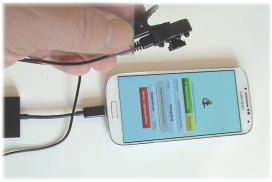
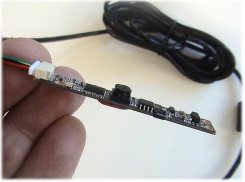
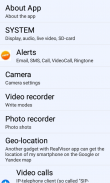
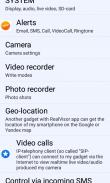
You can use 3 different cameras: 1) gadget's camera; 2) USB-camera; 3) IP-camera.
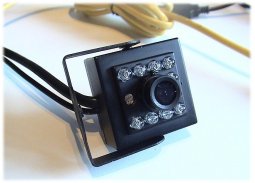
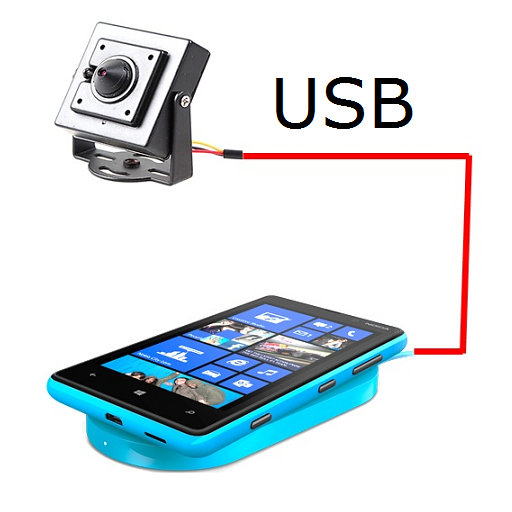
USB camera must support UVC standard and gadget must support OTG USB.
IP camera must have known RTSP-stream.
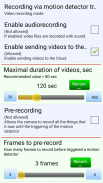
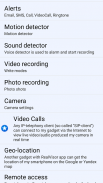
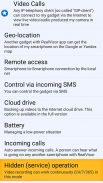
After motion or smoke have been detected, the program sends alarms: EMAIL, SMS, Call as well as Video Call.
Alarm videos can be uploaded on Google drive or YouTube directly.
No root-rights are needed.
--------------------------------------------------------------------------------------------------------------------------------------
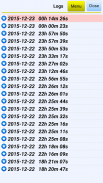
The program can be managed remotely via SMS. For example, to get a list of backup files on any day and time interval or "ask" to send the EMAIL from 1 up to 30 images, video files from an archive (c) SD card or translate live video to your computer or smart phone.
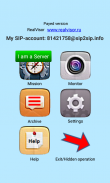
The program operates in 2 modes: "video cameras" and "Service".
The first step is to "Monitor mode" check out all sound and motion detector settings, send alerts via SMS, EMAIL, etc.
And, in fact, the surveillance must be performed in the "service", which is the test video monitoring cameras, power consumption is kept to a minimum and the program runs in the hidden mode.
Can be completely hidden video and audio recording.
------------------------------------------------------------------------------------------------------------------
Operation in the hidden mode
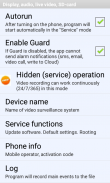
Select The "Settings-System". Check the box to "Autorun". As a result after each activation of the Smartphone application itself will be run in "service" (fully hidden) mode.
------------------------------------------------------------------------------------------------------------------
Smoke/Flame detector are in full version only.
www.realvisor.ru
skype: reallyvision
USB camera, Endoscope, EasyCap, motion detector - Version 26jan2018
(31-01-2018)

USB camera, Endoscope, EasyCap, motion detector - APK Information
APK Version: 26jan2018Package: com.reallyvision.realvisor4Latest Version of USB camera, Endoscope, EasyCap, motion detector























 3.79
3.79



Apps in the same category